
Three products
Photo, Spatial, and Sensing. Each one is separate. You can use one, or more than one.
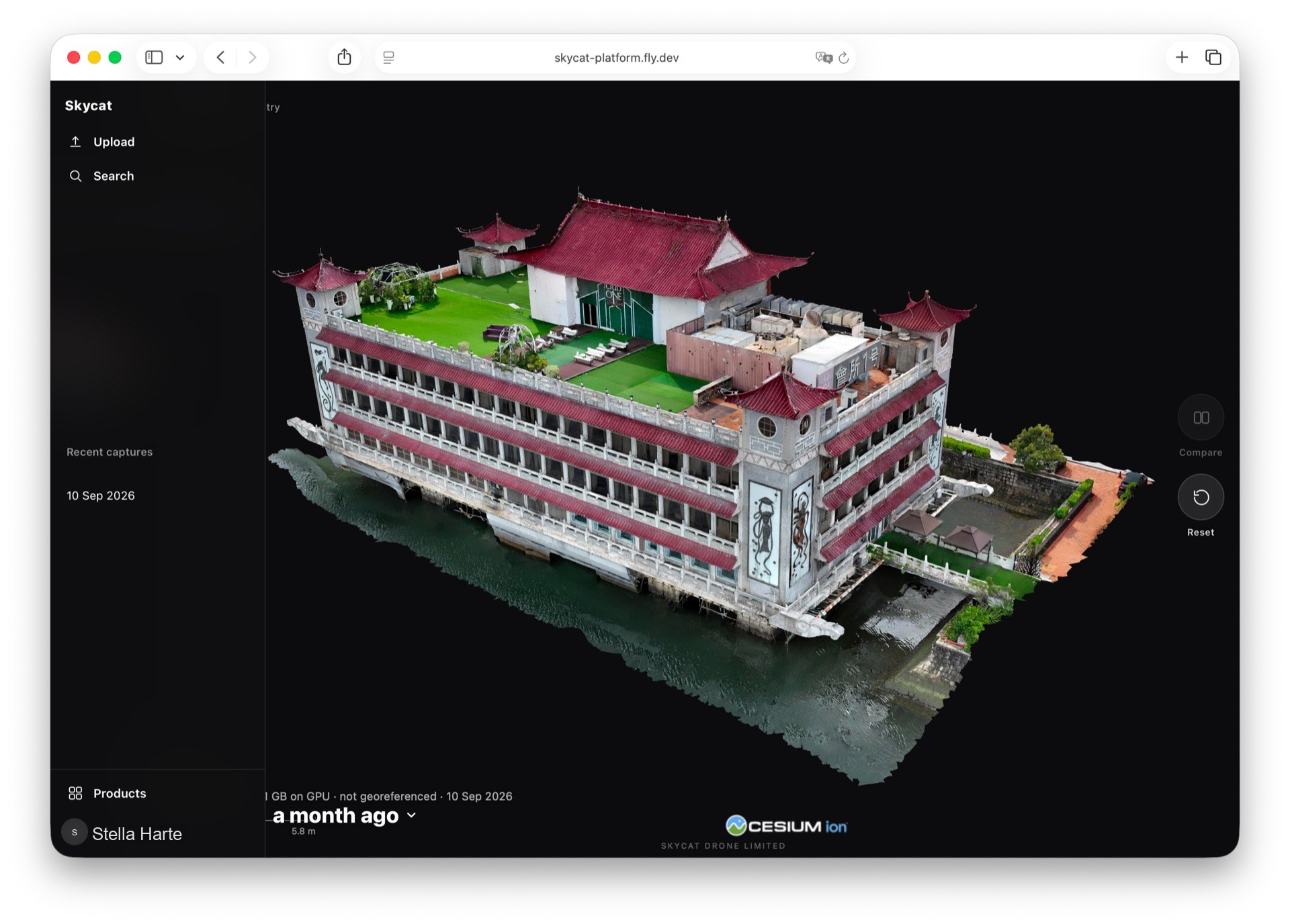
Skycat Spatial
Skycat Spatial
Turn a 3D capture around in the browser, without installing anything.
See example jobs this product is used for
Open in the browser
A 3D capture opens from a link. Nothing to install, and no specialist software on the other person’s computer.
Turn and look around
Turn the capture and look at it yourself. You are not waiting for someone to send another screenshot of the angle you wanted.
Share with a link
Send a link instead of a file. The other person opens the capture in the browser, and they do not need an account.
Compare two captures
Put two captures of the same place together and see what changed. The view stays in step as you look around.
Stay with the place
Captures stay with the place they belong to. The next one is added there, so you are not searching for the latest file.
A model or a larger capture
Upload a model yourself, or open a larger capture. Either way it opens in the browser, ready to look around.
Supported files
Upload a finished .glb, or a .zip with the obj model and its textures. A larger capture opens as 3D Tiles, loaded by Skycat.