
Skycat Photo and Spatial
Share a survey with a link, not a folder of files
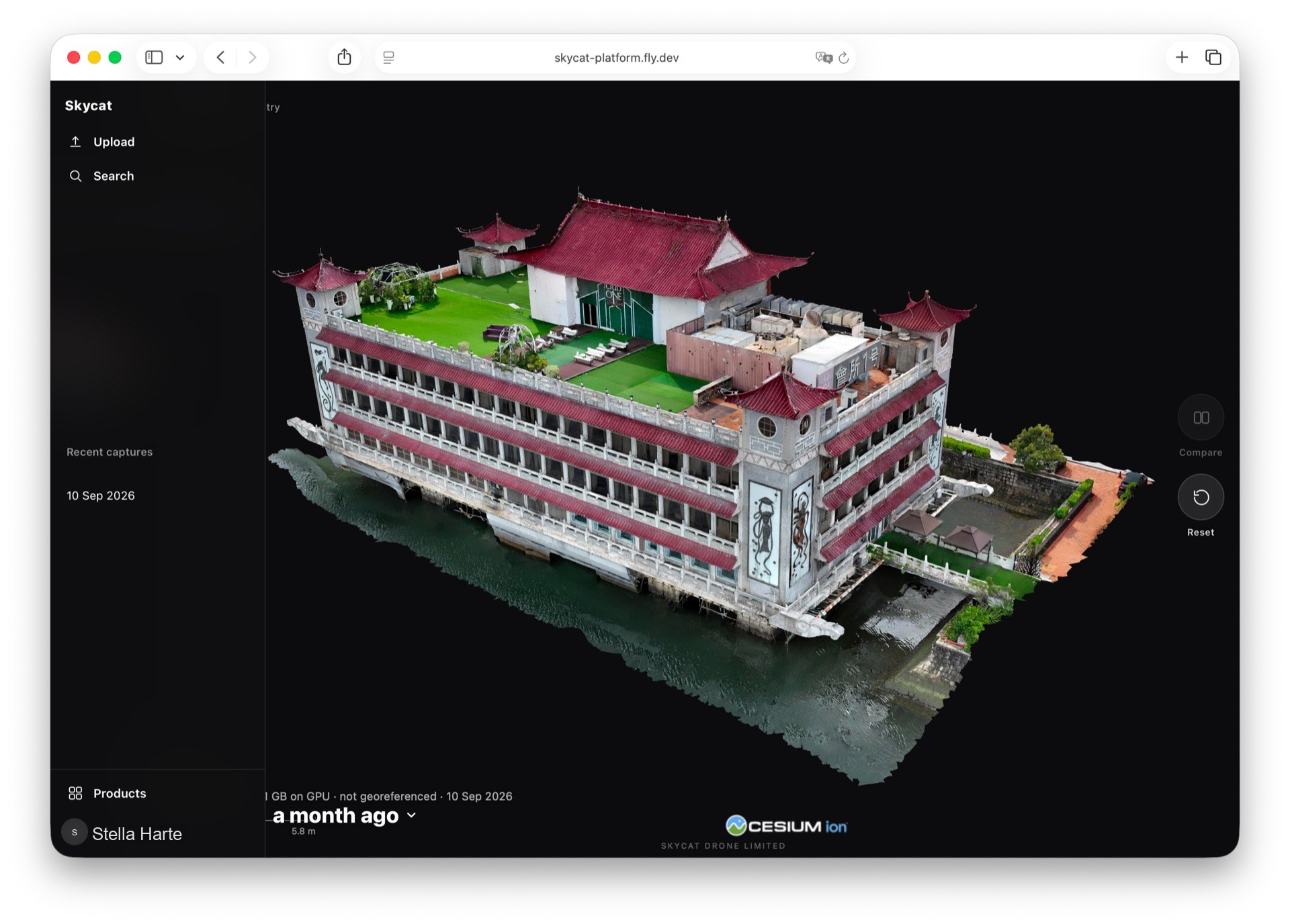
The other person opens photos or a 3D capture in the browser. No account required for them. You decide who can open it.
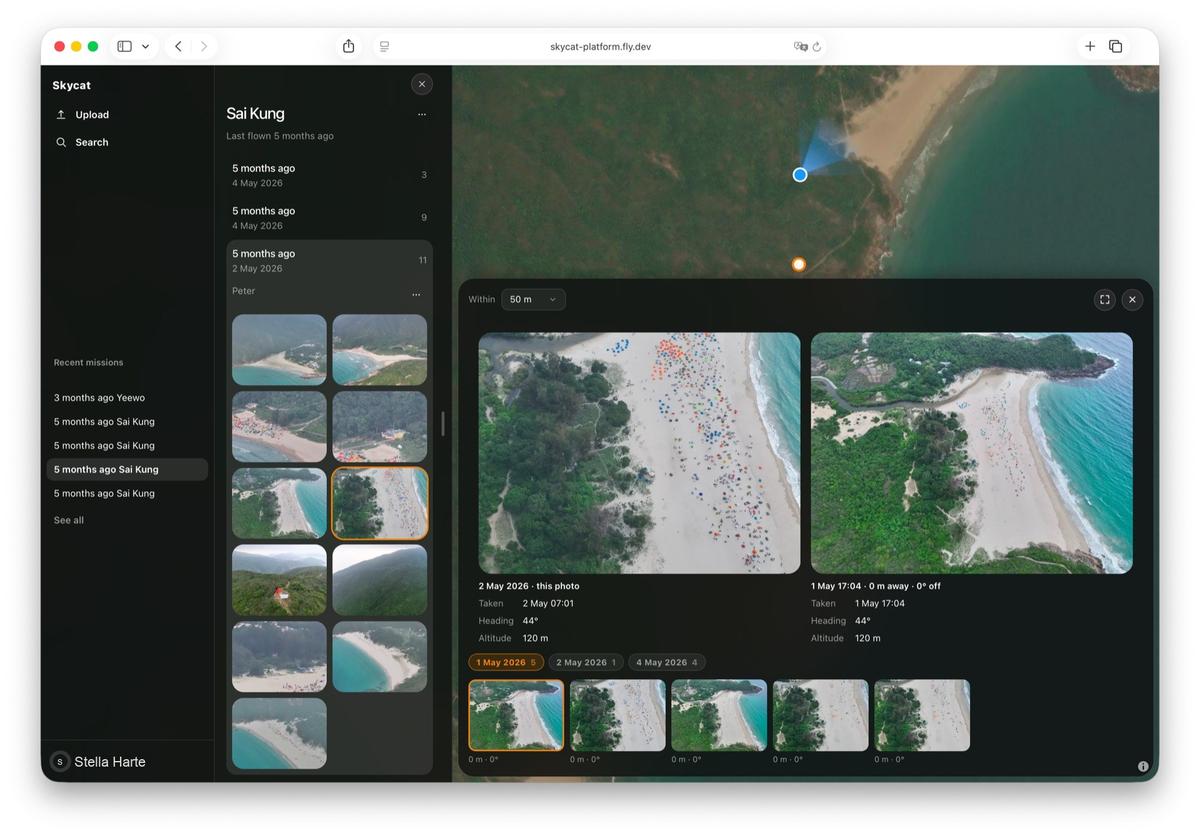
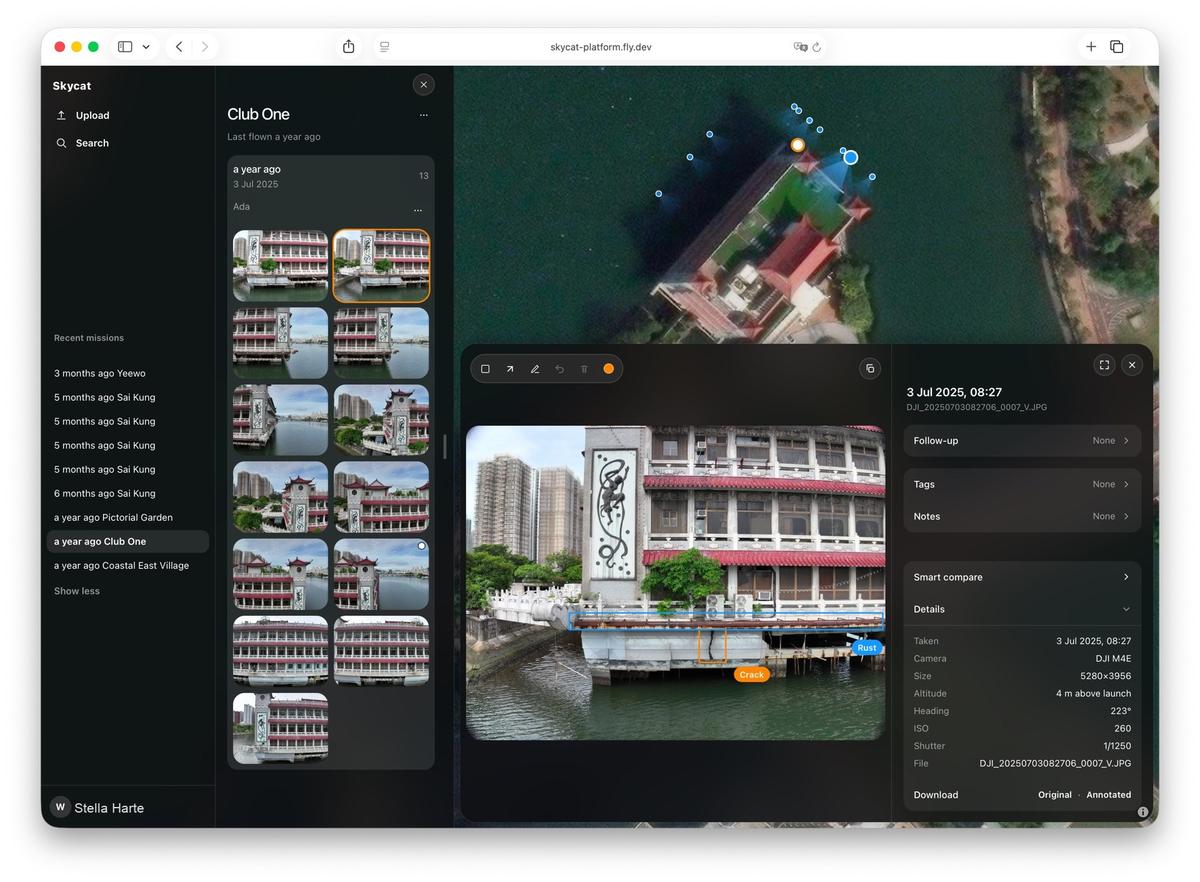
Skycat Photo
The usual problem
Zips get lost. Drive folders fill up. The right building or capture is hard to find months later — and hard to hand to a contractor cleanly.
What you get
A link instead of a file
Send a link instead of a zip or a Drive folder. The other person opens what you meant them to see.
Opens in the browser
Photos and 3D captures open without specialist software. Nothing to install on their side.
Access you control
You decide who can open the work. You can turn a link off if that changes.
Stays with the place
The deliverable lives on a map with the site — not in a pile of attachments that is hard to find months later.
Compared with the usual way
The usual way
- Zips and email attachments
- Folders that grow until no one remembers which file is current
- The other person needs the right software — or another screenshot
With Skycat
- One link, scoped to what they should see
- Opens in the browser on phone, tablet, or computer
- Photos and captures stay with the place on a map
Who it is for
Anyone delivering aerial work to a client, insurer, or contractor who should not need specialist software — and should not get another zip.
Questions
Stop sending folders
Tell us how you deliver today. You reach the people who build the software.