
Skycat Sensing
Turf condition over time, not a one-off report
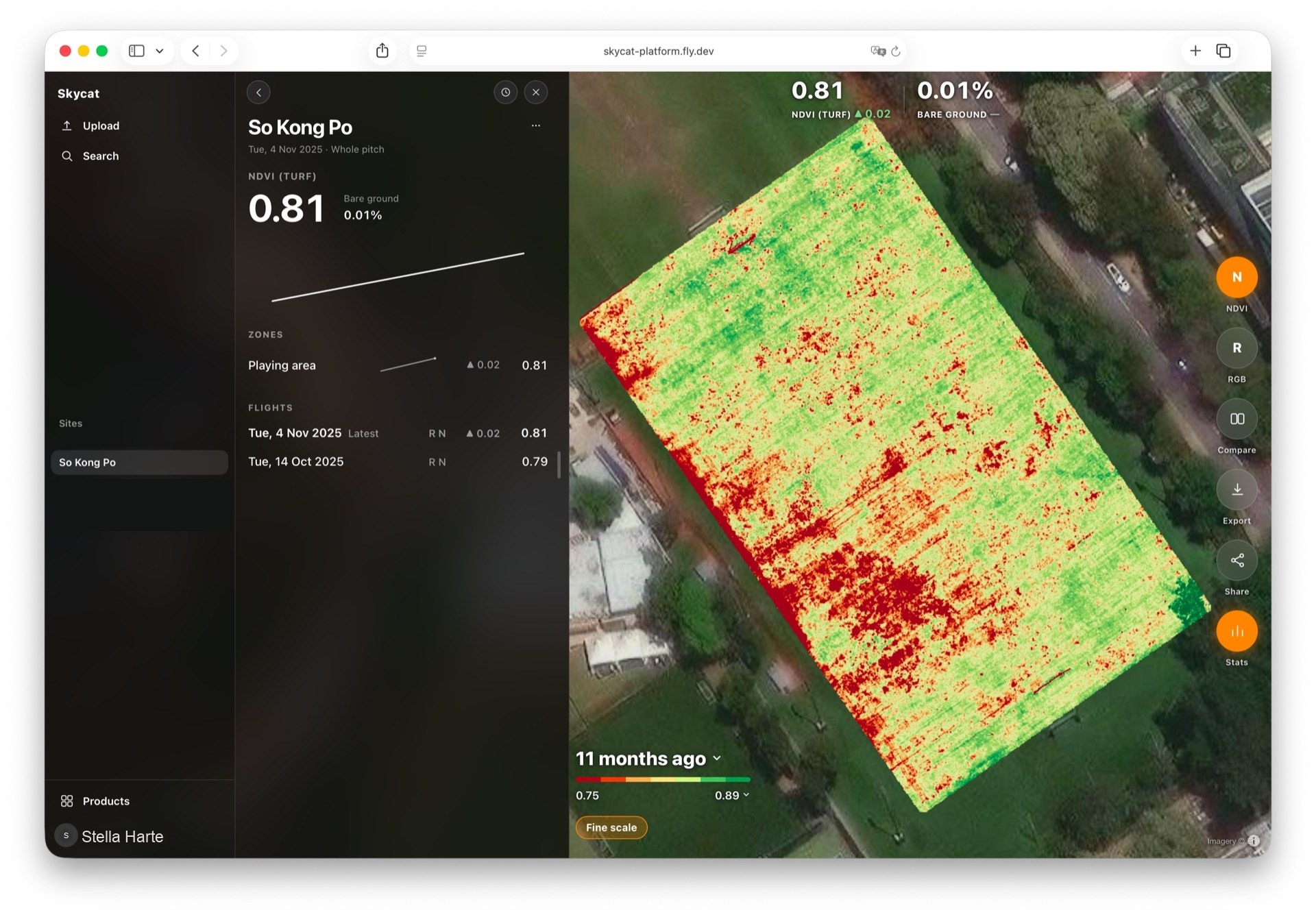
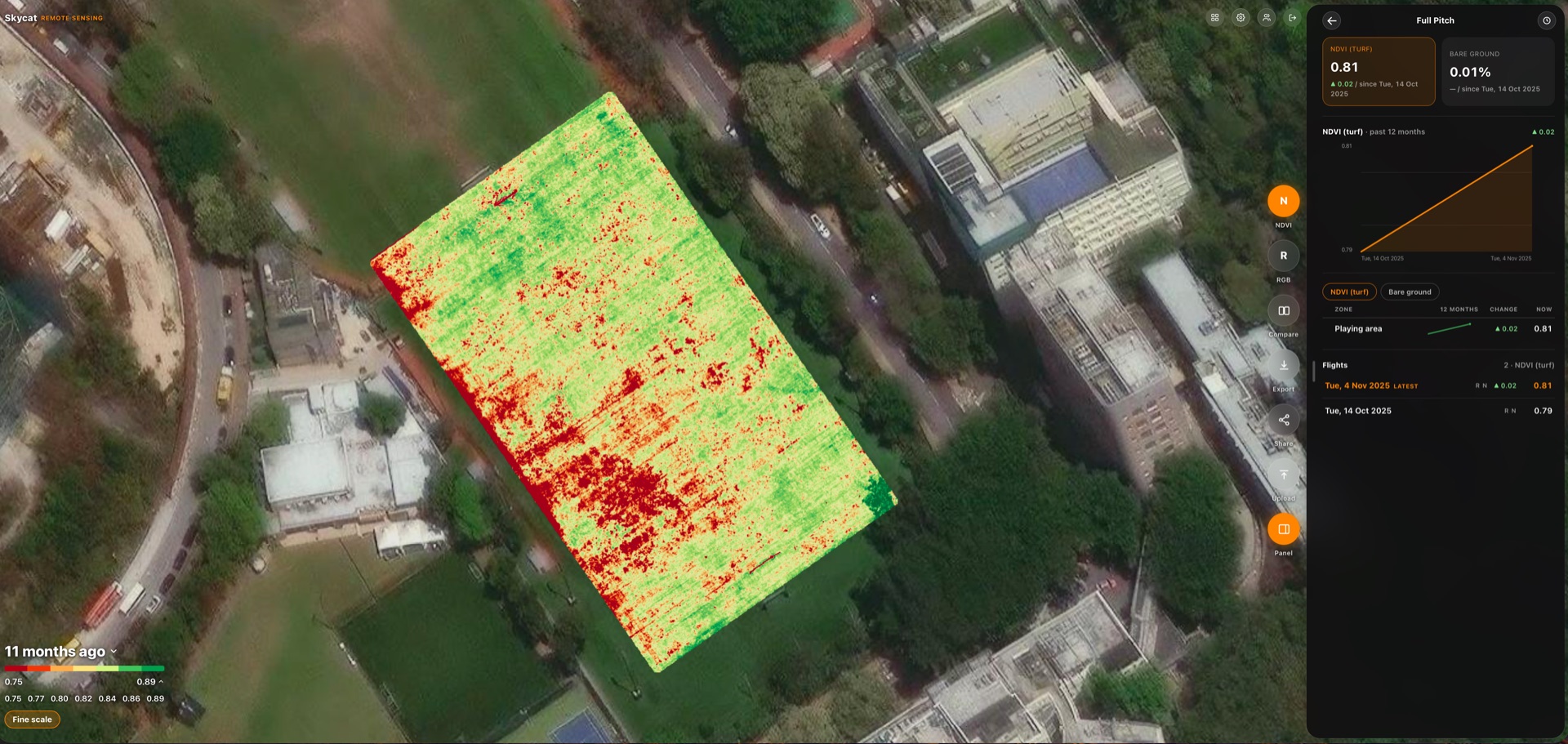
Zone-by-zone readings on one map — vegetation, bare ground, and surface temperature — so you see what is building before it shows from the rail or the fairway.
Skycat Sensing
The usual problem
Surveys used to arrive as separate PDFs. Reconstructing a trend meant flipping files and guessing. A weak corner disappeared into one number for the whole place.
What you get
The same place over time
Each survey lands on the same map. You see this visit against the ones that came before it — not a new PDF to file.
Readings on one map
Vegetation, heat, and related readings sit together. You switch between them instead of opening a separate report for each.
Zone by zone
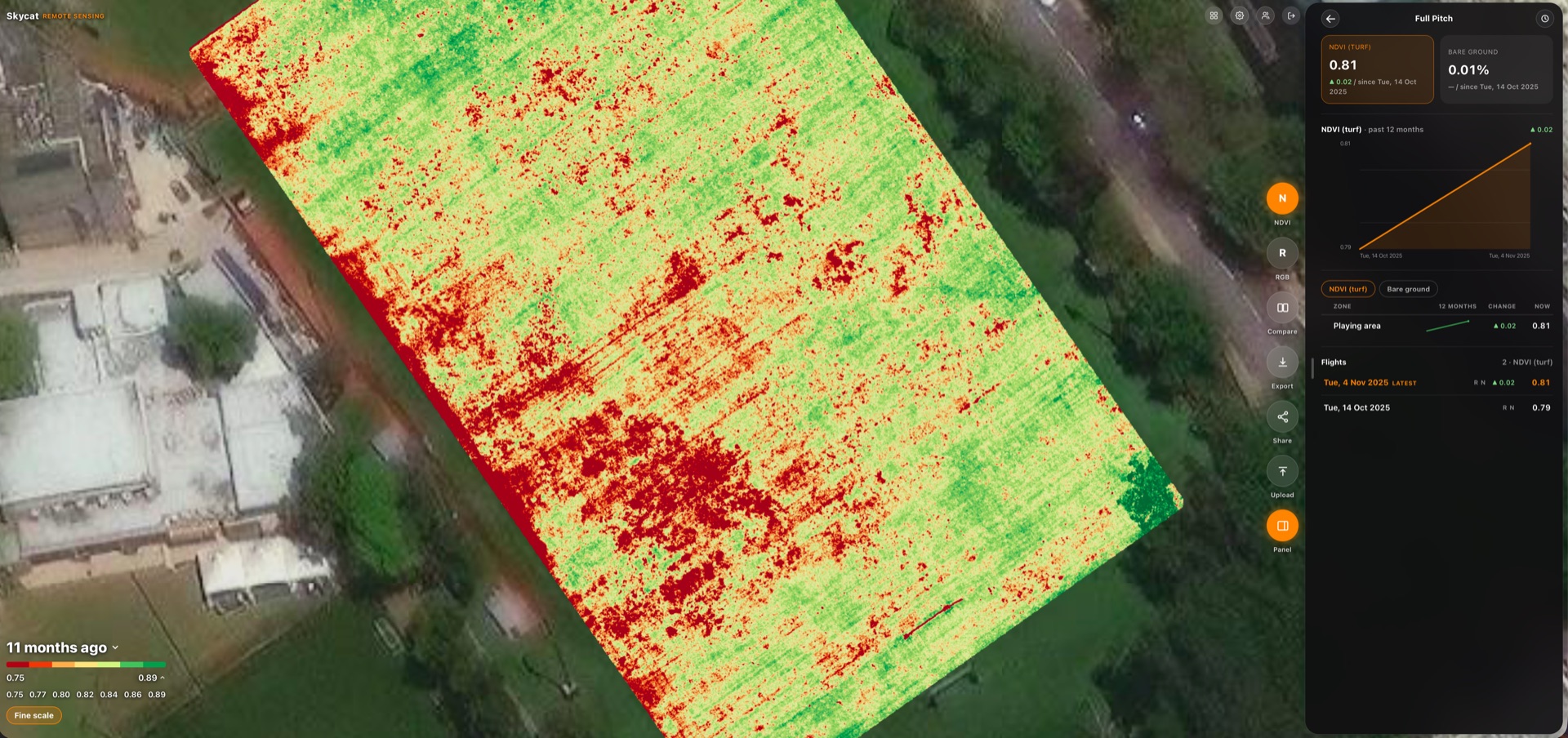
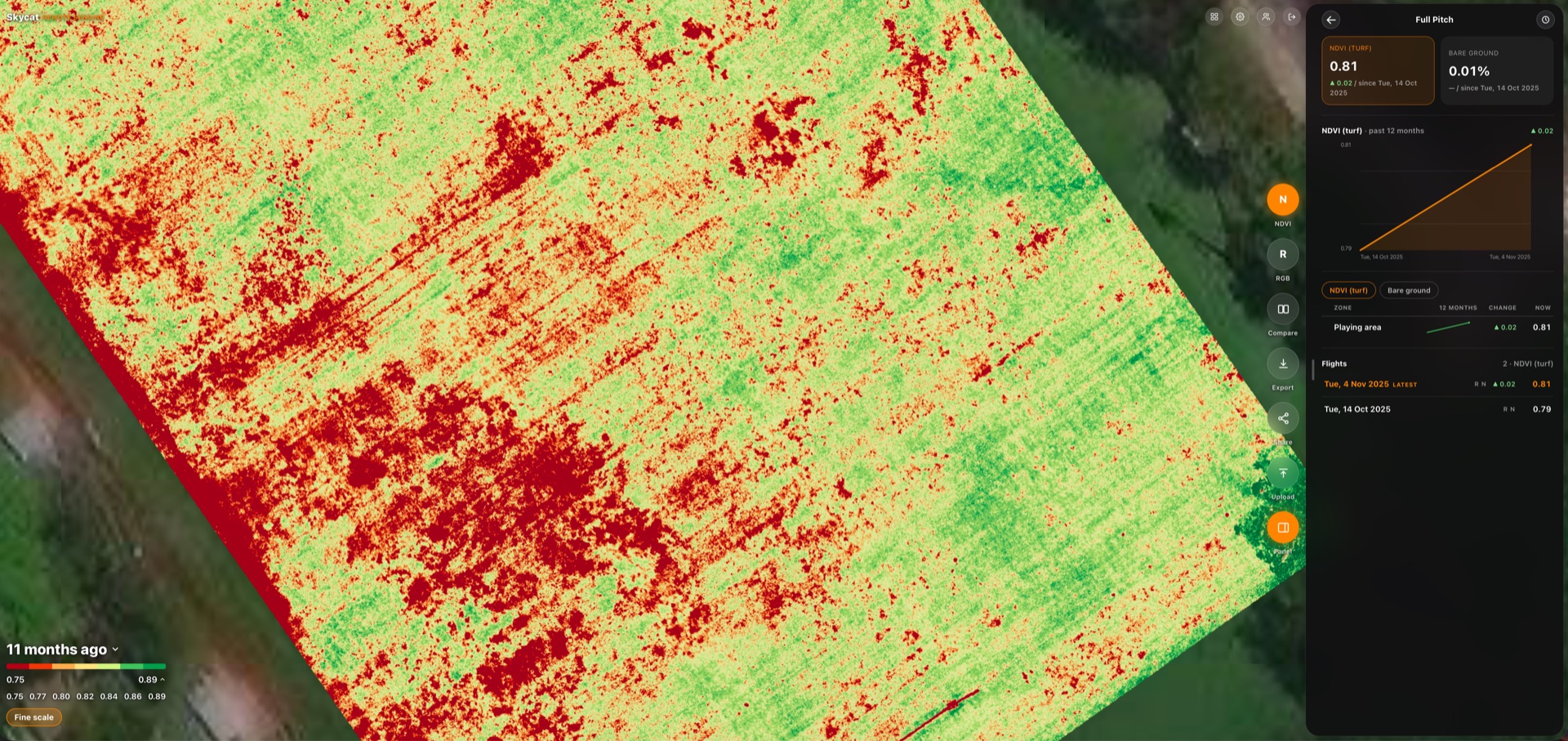
Look at the part that changed, not one number for the whole place. A weak corner does not disappear into an average.
See what is building
Spot a zone heading toward bare ground before it shows from the rail or across the fairway — a trend, not only a snapshot.
Who it is for
Racecourse turf managers, golf course superintendents, and sports-pitch grounds teams who need condition history that stays on the same map.
Questions
Ask about a survey for your site
You reach the people who build the software.